Android User Guide
Serial Terminal
Connect the UART0 debug port to inspect Android and kernel logs.

Audio and Video
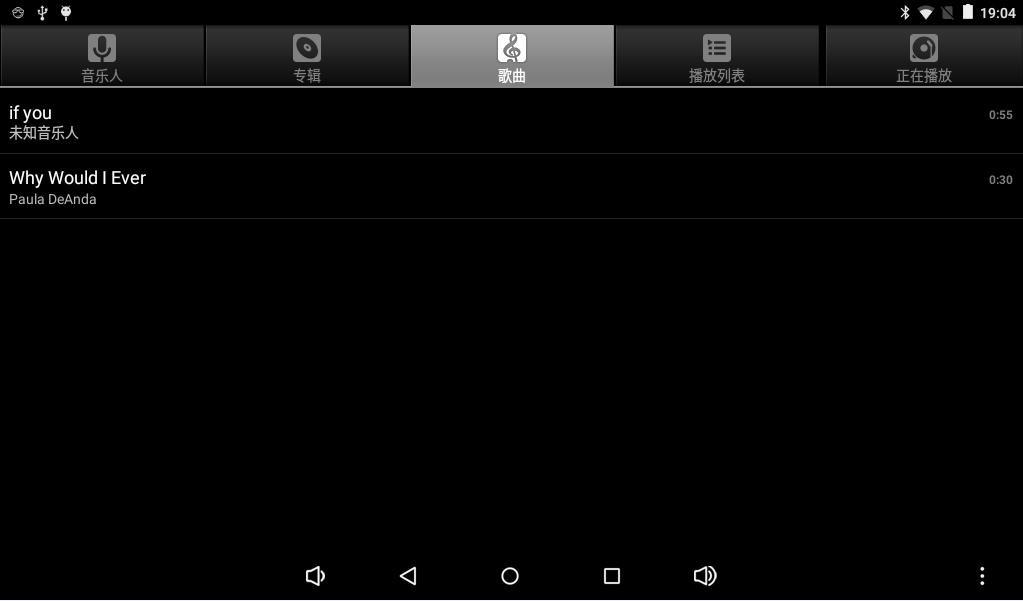
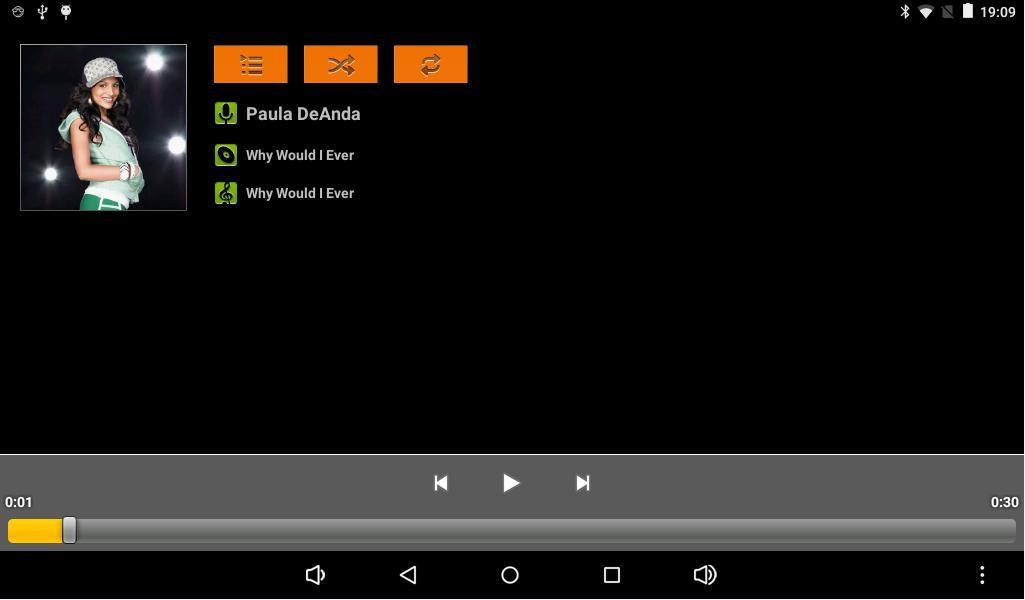
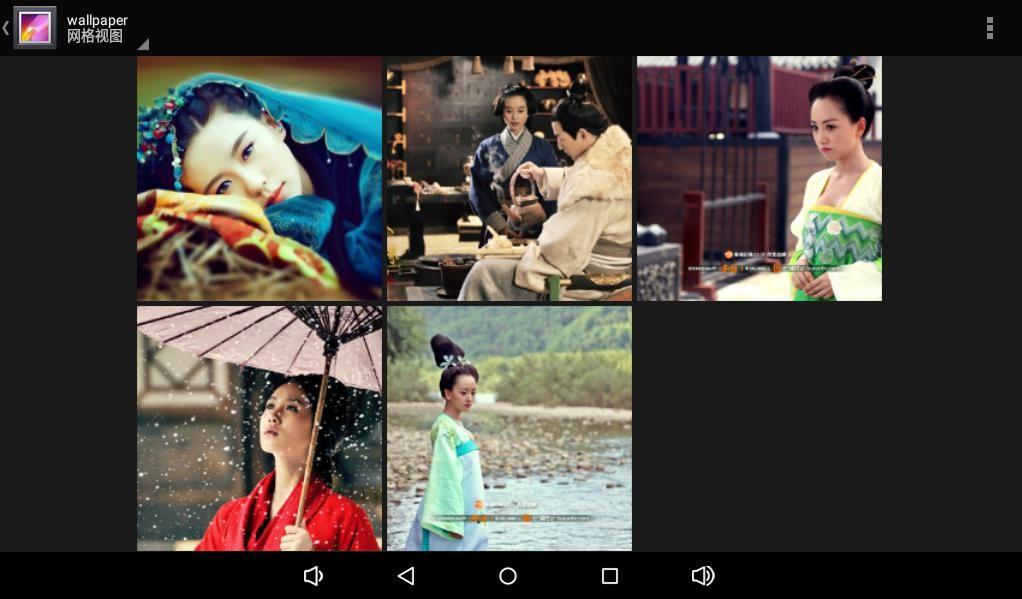
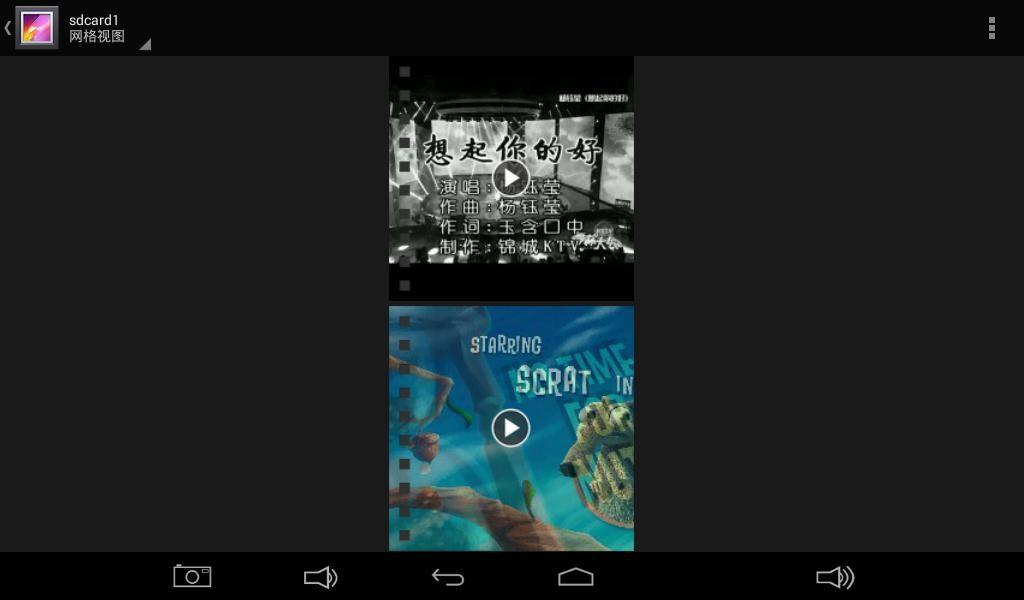
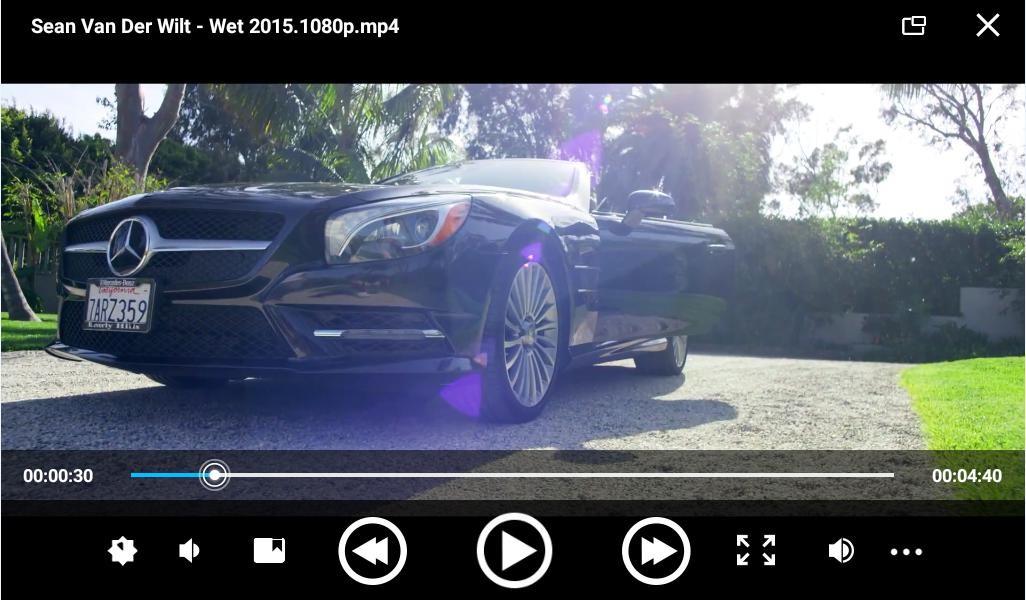
Media files stored on a TF card or USB drive can be played through the system applications.
Wi-Fi
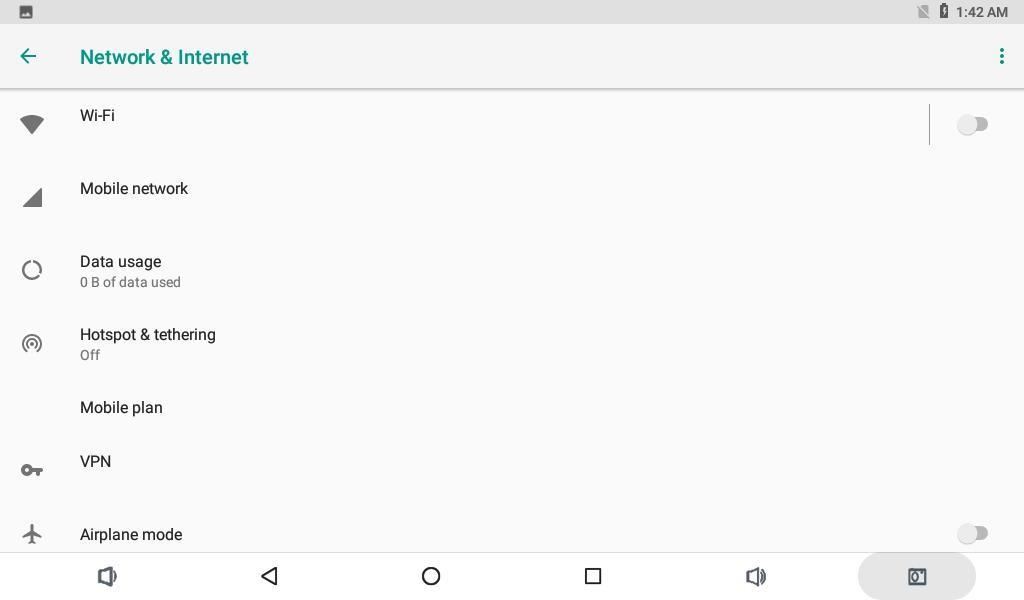
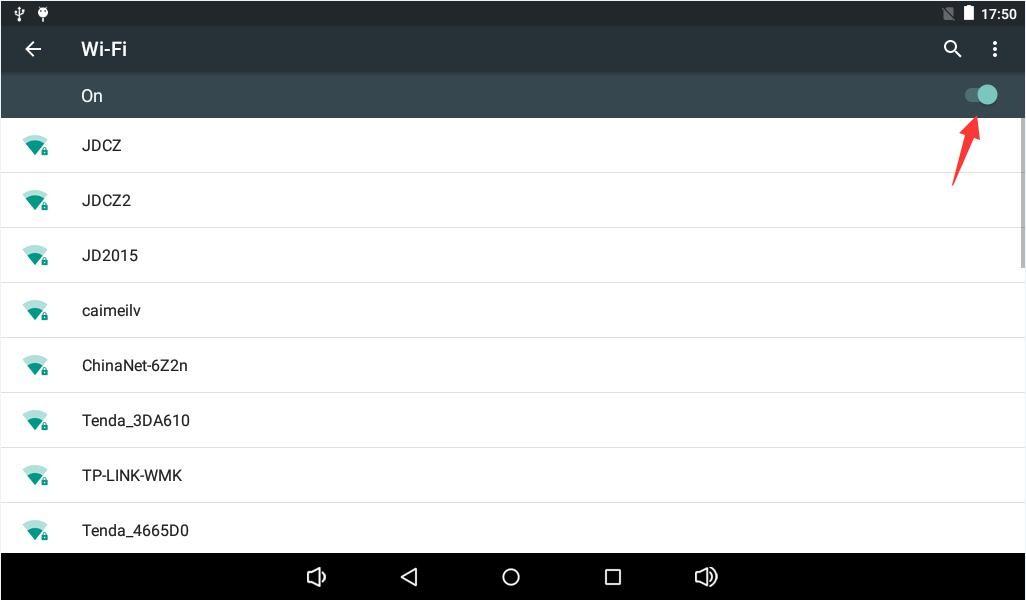
Open Settings, Network and Internet, and Wi-Fi; then select an access point.
Bluetooth
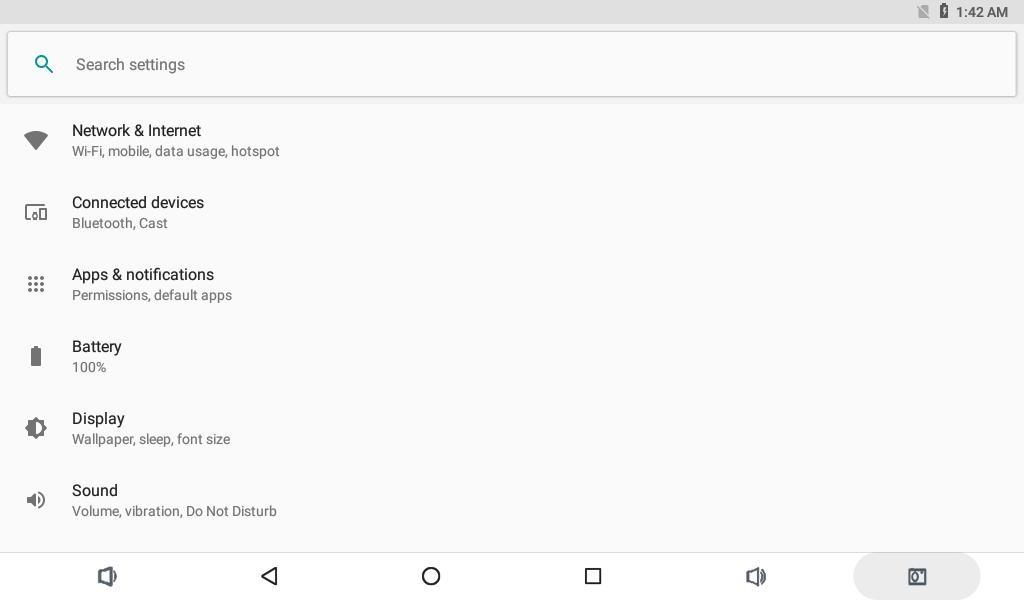
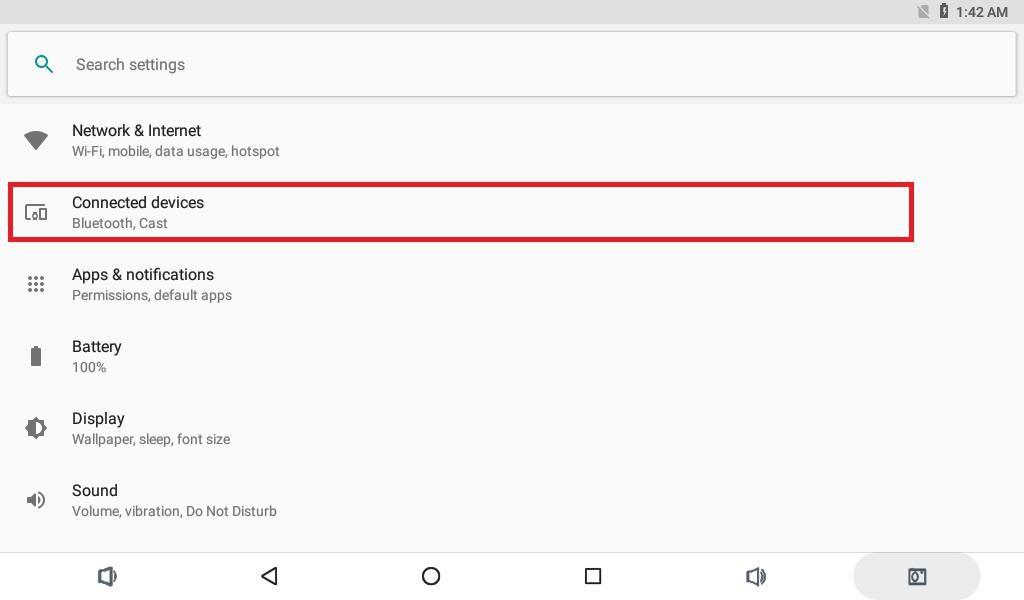
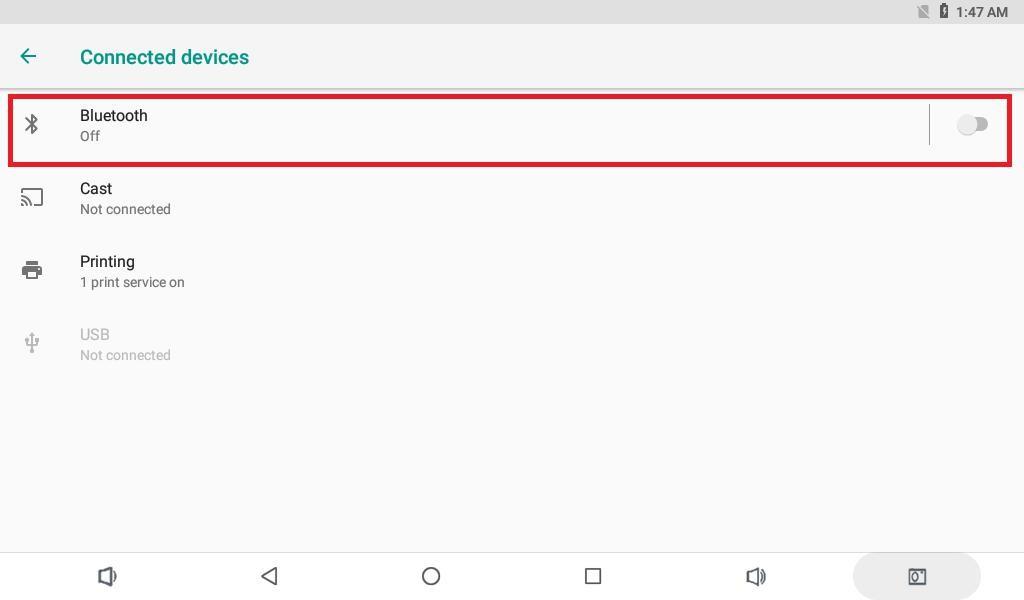
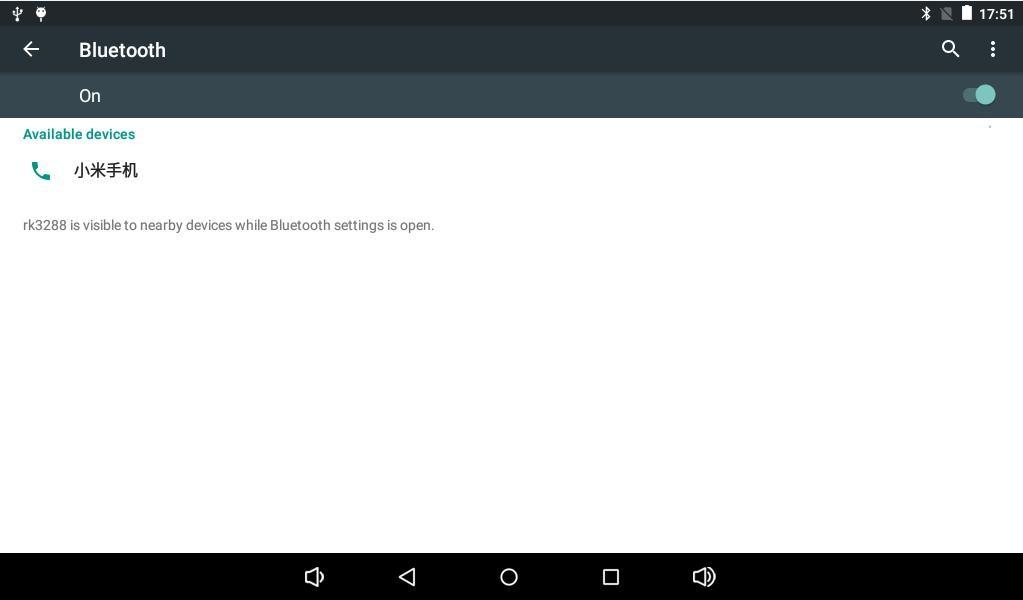
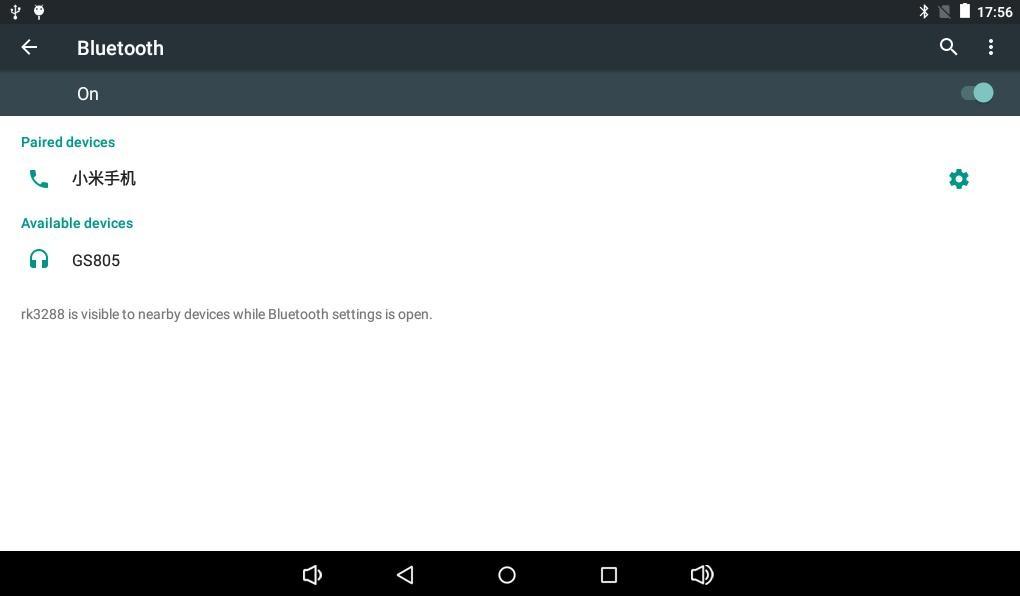
Open Settings, Connected devices, and Bluetooth. Scan for the target device and complete pairing.
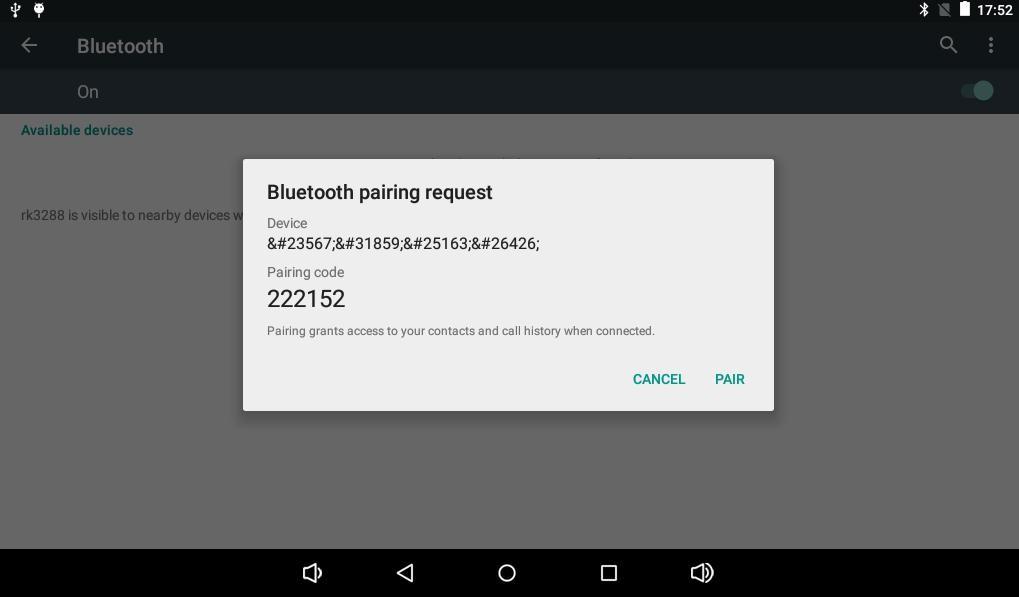
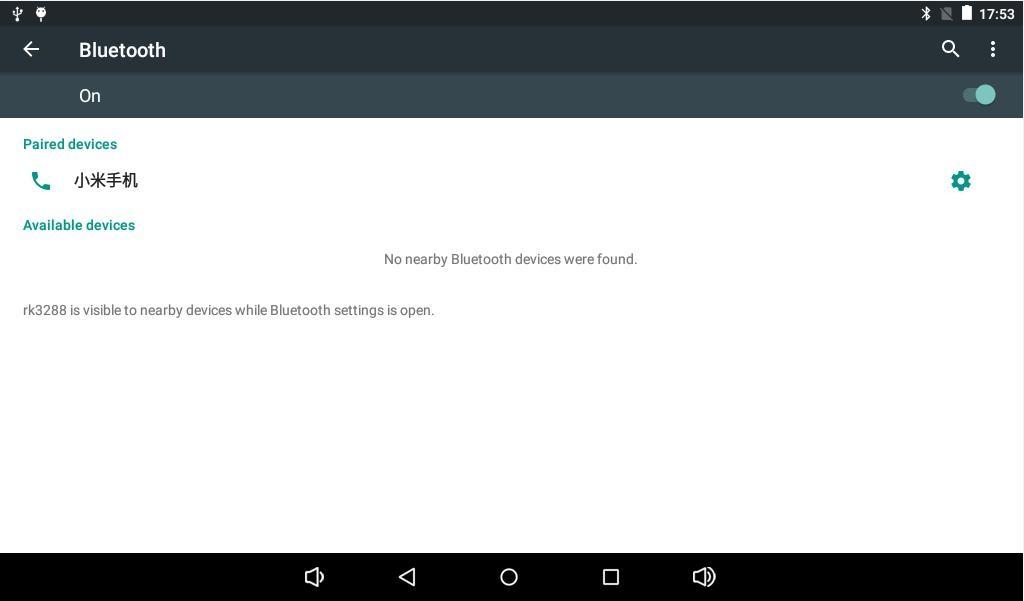
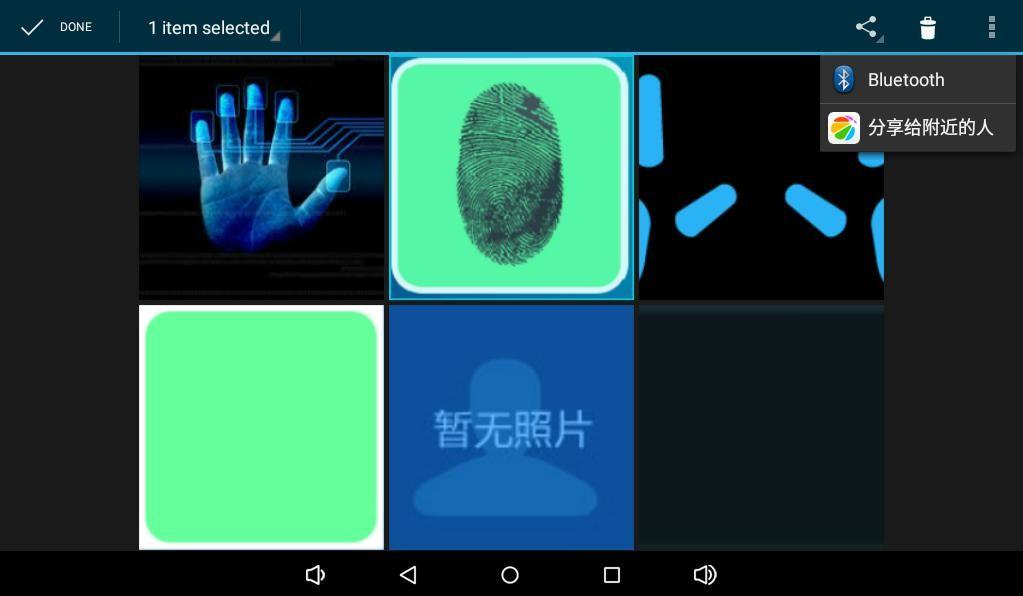
Bluetooth can be used for file sharing and wireless audio output.
USB Mouse and Keyboard
Connect a USB mouse, keyboard, or wireless receiver to the USB Host port.
TF Card and USB Drive
External storage is normally mounted below /storage/:
adb shell
ls -l /storage
The volume directory name depends on the filesystem UUID.
Screen Rotation
When the firmware enables the gravity sensor and auto-rotation, supported applications rotate with board orientation.
Camera
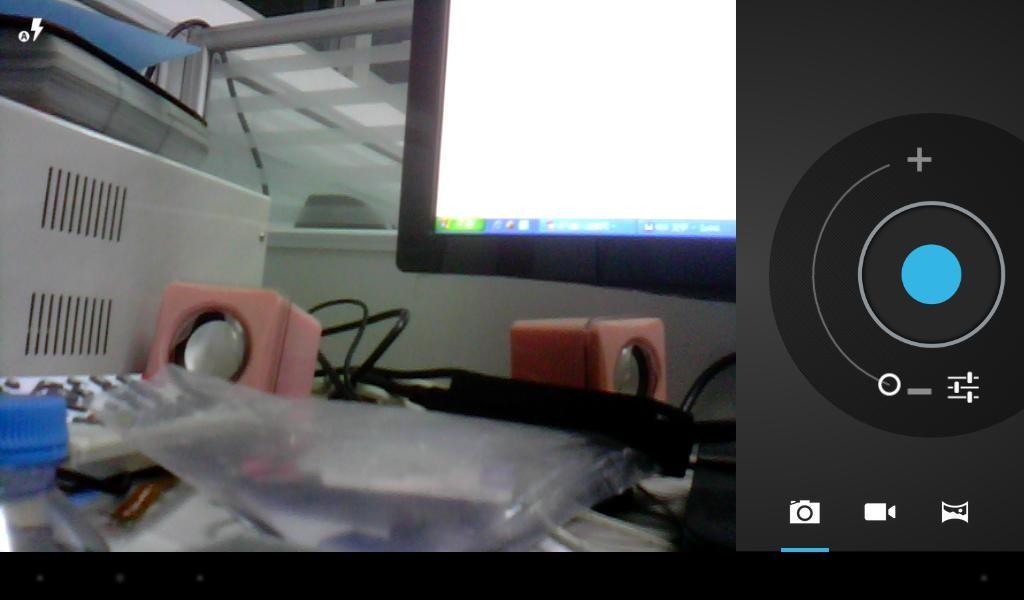
Connect a compatible MIPI camera and open the camera application for preview, still capture, and video recording.
Wired Ethernet
Connect an active Ethernet cable. The connector LEDs should blink when the link is established.
Power and Suspend
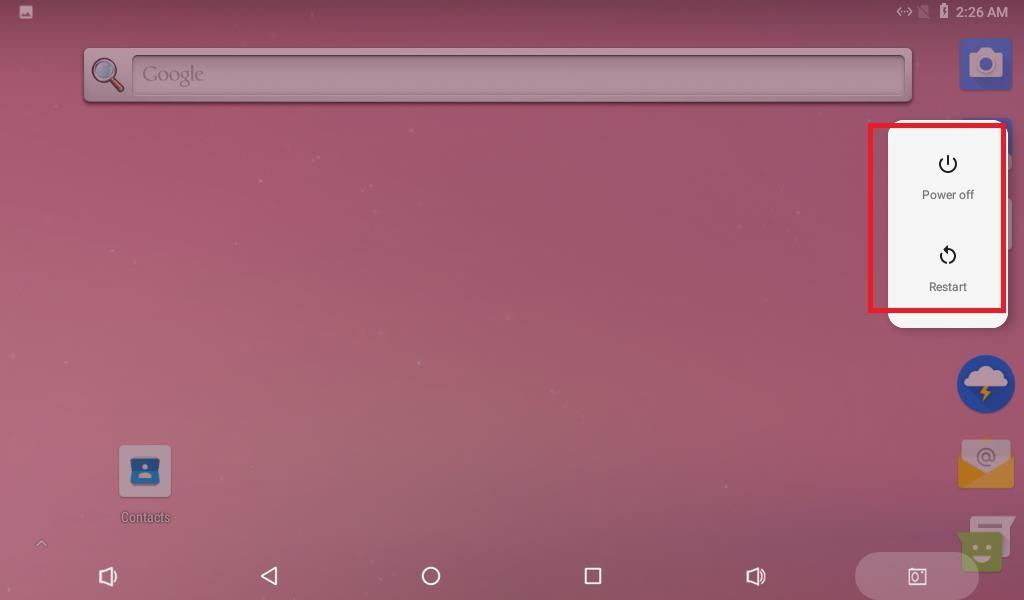
After connecting 12V power, hold the Power key for about three seconds to boot. Hold the key in Android to open the power menu; press it briefly for suspend and resume.