Linux Build and Flashing
Development Host
The supplied manual covers both VMware and native Ubuntu. A native Ubuntu host or a validated container is preferable for a complete SDK build. Do not copy the old Ubuntu 14.04/16.04 setup blindly; check the current SDK README first.
Serial Tools
sudo apt-get install picocom
sudo picocom -b 115200 /dev/ttyUSB0
Exit picocom with Ctrl+A, then Ctrl+Q.
Minicom is another option:
sudo apt-get install minicom
sudo minicom -s
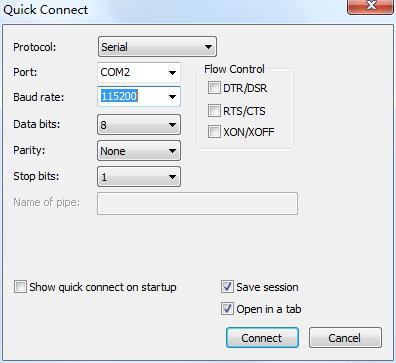
Configure 115200 8N1 with software and hardware flow control disabled.
Build Dependencies
The dependency list from the manual can be consolidated as:
sudo apt-get install git-core gnupg flex bison gperf build-essential zip curl zlib1g-dev gcc-multilib g++-multilib genromfs libc6-dev-i386 libncurses5-dev libx11-dev ccache libgl1-mesa-dev libxml2-utils xsltproc unzip lzop liblz4-tool genext2fs make device-tree-compiler u-boot-tools libssl-dev autoconf python3-pyelftools libusb-1.0-0-dev p7zip-full adb fastboot
Package names vary between Ubuntu releases; replace unavailable packages according to APT output.
Cross Compiler
The toolchains are included in the source package. The manual lists paths such as:
prebuilts/gcc/linux-x86/aarch64/gcc-linaro-6.3.1-2017.05-x86_64_aarch64-linux-gnu/
prebuilts/gcc/linux-x86/aarch64/aarch64-linux-android-4.9/
Read the current Makefile and build scripts to determine the actual CROSS_COMPILE value.
Source Retrieval
tar -xvf x507_linux.tar.bz2
cd x507_linux
git checkout .
The archive name and download location can change between releases.
Example SDK Layout
brandy build buildroot build.sh device doc kernel out platform test tools
Build Help
./build.sh -h
Build Commands
U-Boot
./build.sh uboot
Default Build
./build.sh
Buildroot Filesystem
./build.sh buildroot
Package Firmware
./build.sh pack
Use the paths printed by the current build script; outputs are normally placed below out/.
PhoenixSuit Flashing
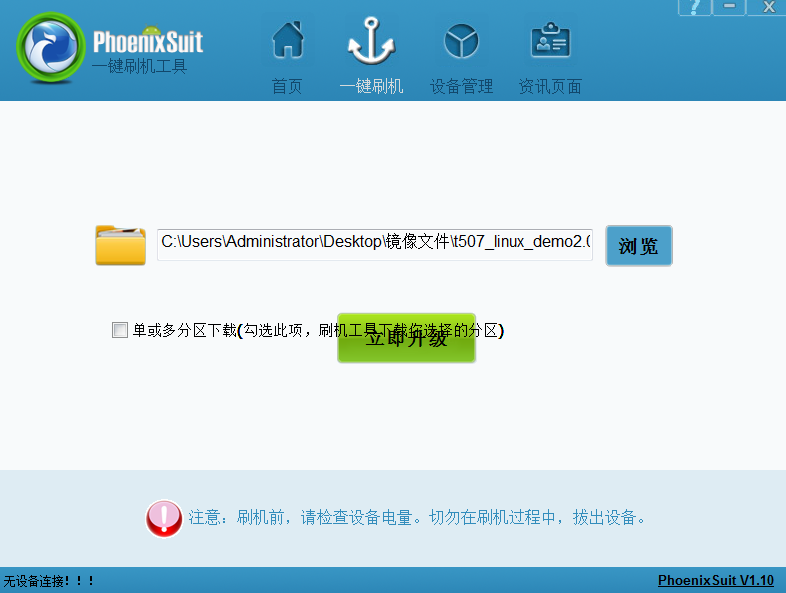
- Install PhoenixSuit and the Allwinner USB driver on Windows.
- Select the complete IMG generated by
./build.sh pack. - Do not start the upgrade before the device has entered upgrade mode.
- Hold FEL/RECOVERY, connect Micro USB OTG, and apply 12V power; press Reset if required.
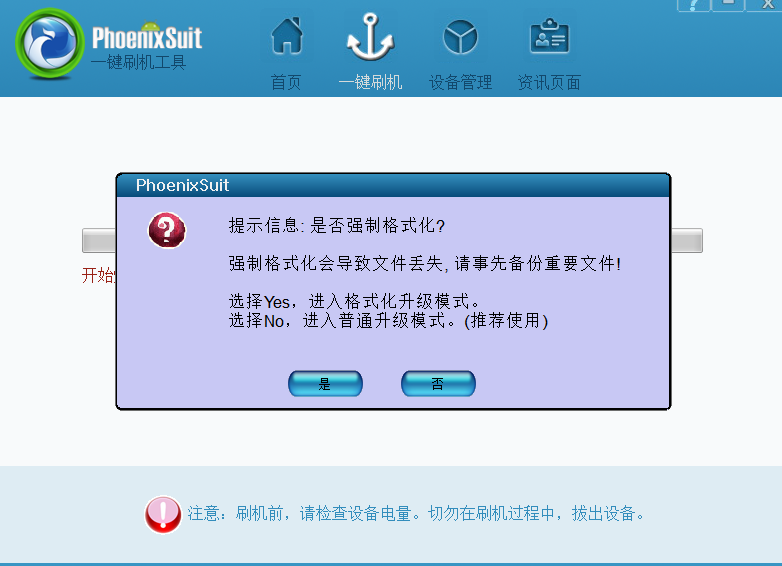
- After the tool detects the device, confirm formatting and flashing.
ADB and Serial Checks
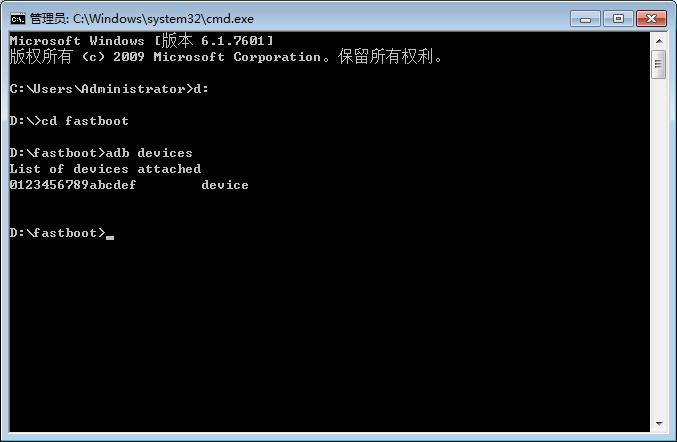
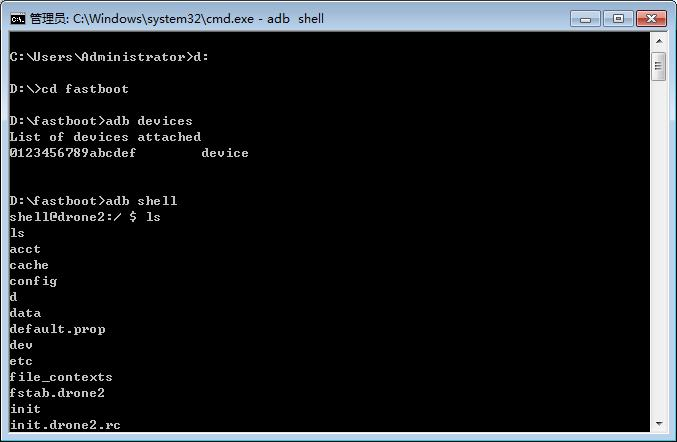
When ADB is enabled in the Linux image:
adb devices
adb shell
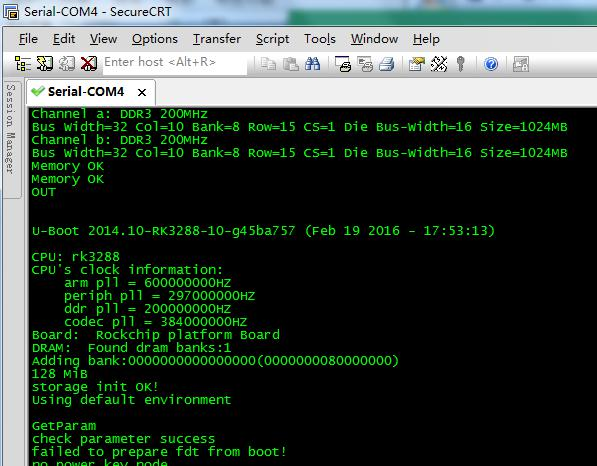
Configure the serial terminal for 115200 8N1 with flow control disabled.