Android Tests and Drivers
Hardware Test Application
The supplied manual describes an Android hardware-test application for development and production checks. The available pages may vary with the firmware version.
LCD Test
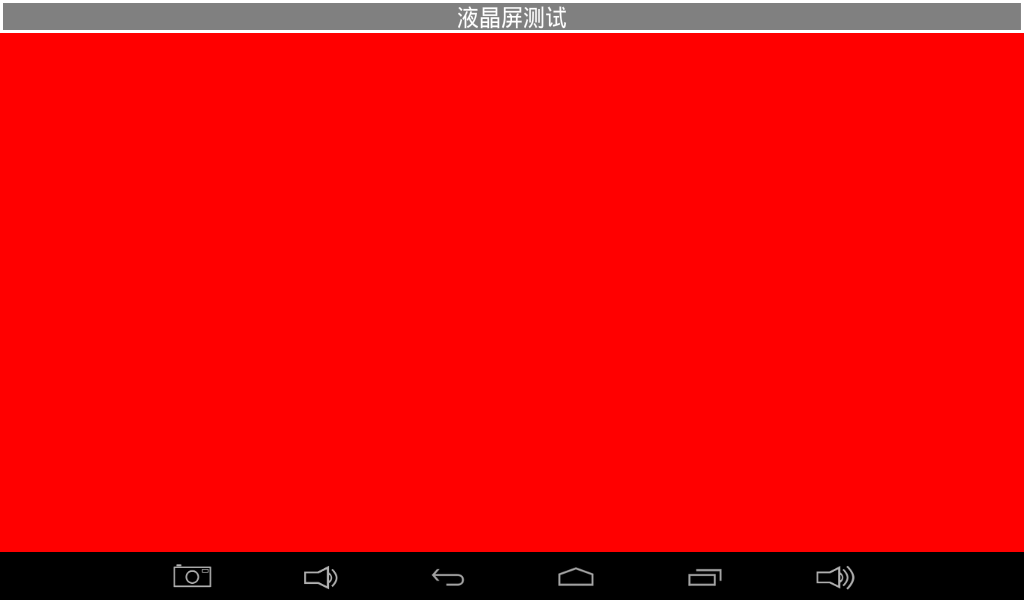
Tap the solid-color area to cycle colors and check for missing colors, bad pixels, or display faults.
Touch Test
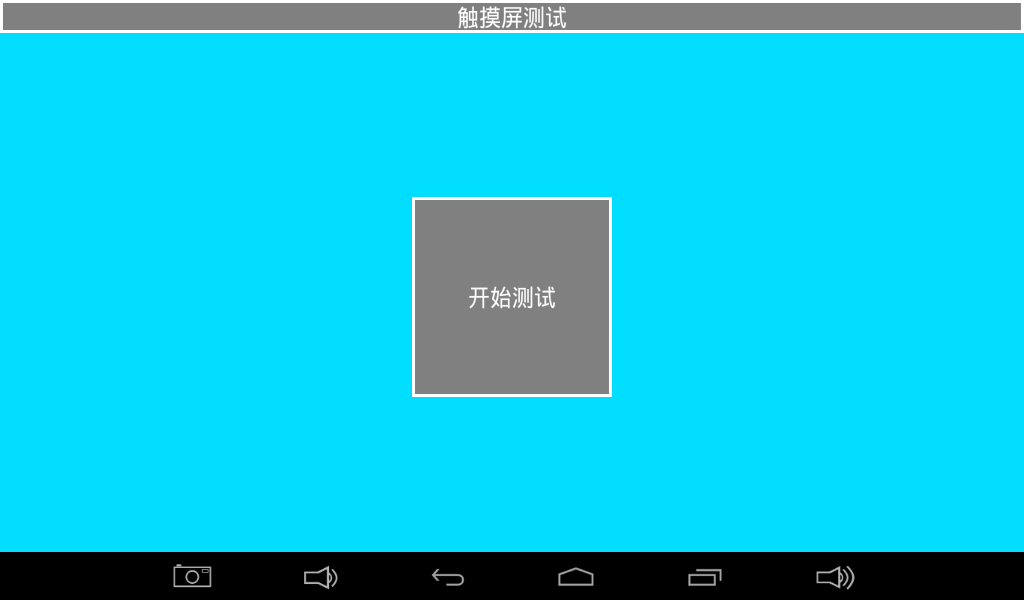
Draw lines across the panel; diagonal strokes are useful for checking continuity and edge response.
LED Test
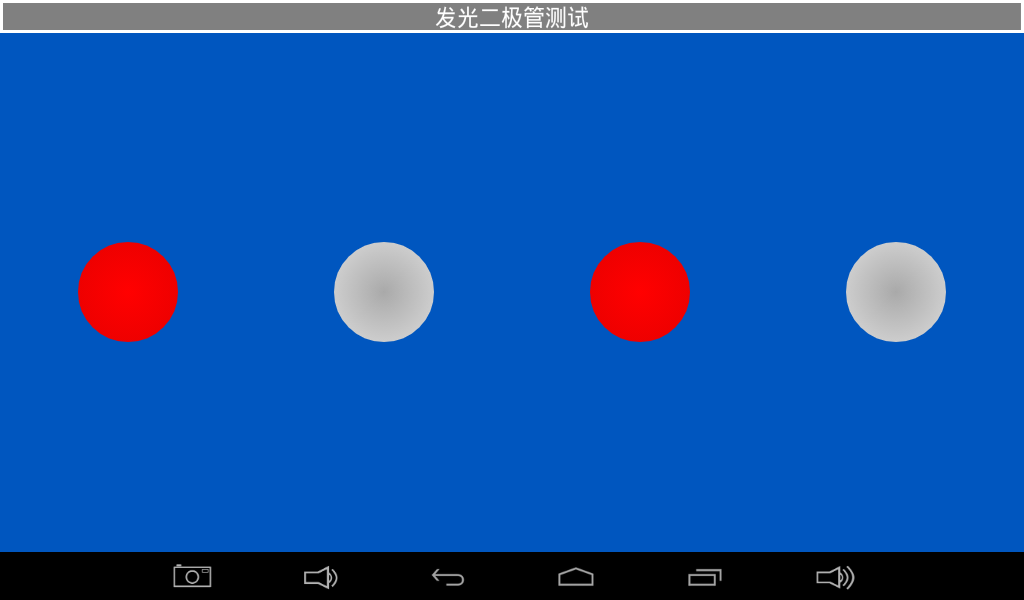
Toggle the on-screen LED state and observe the corresponding board LED.
Buzzer Test
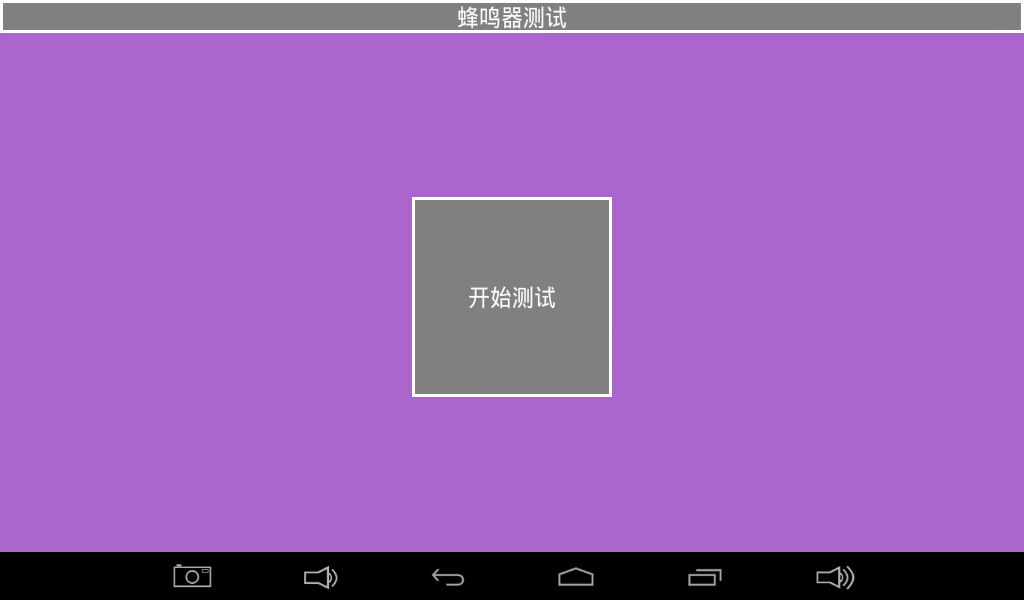
The buzzer sounds while the test button is held.
Backlight Test
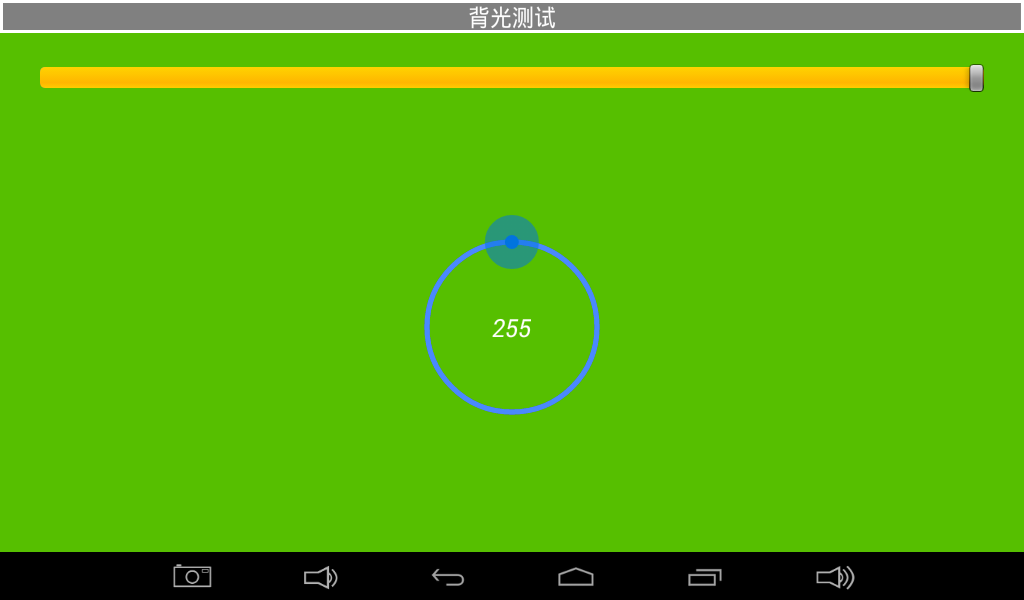
Move the slider and verify smooth backlight adjustment.
Key Test
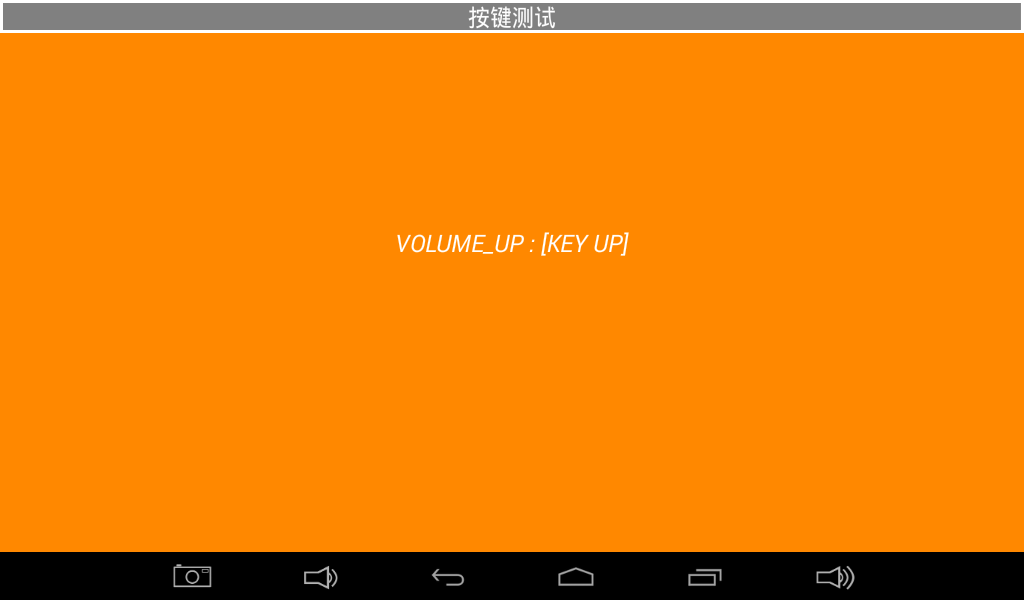
Press and release the board keys and verify both events.
Battery Test
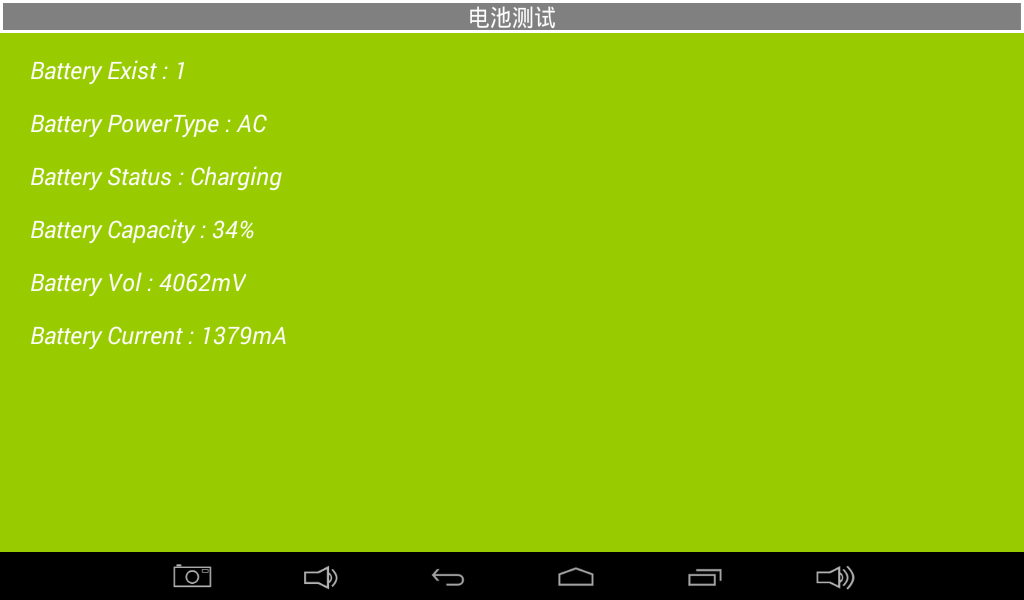
Displays battery level and status when a battery is connected.
ADC Test
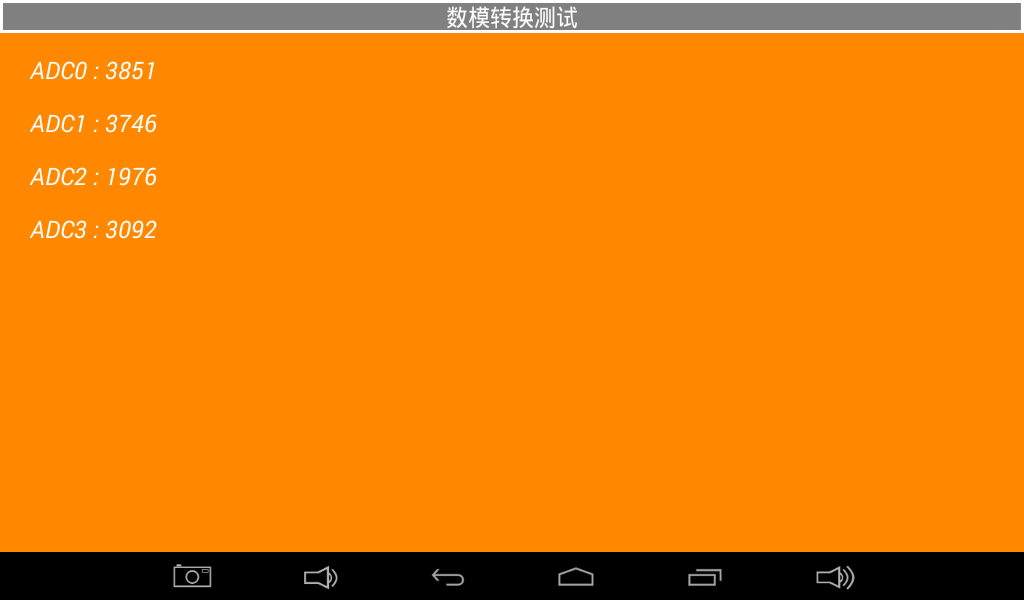
Observe ADC-channel voltage changes from an external input or potentiometer.
G-Sensor Test
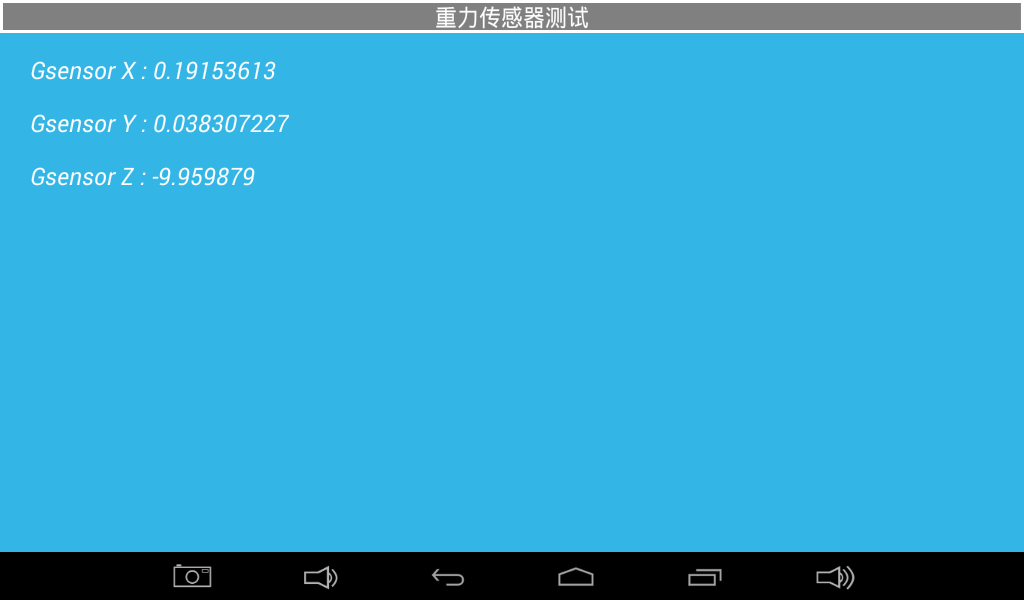
Rotate the board and observe X, Y, and Z values.
Audio Test
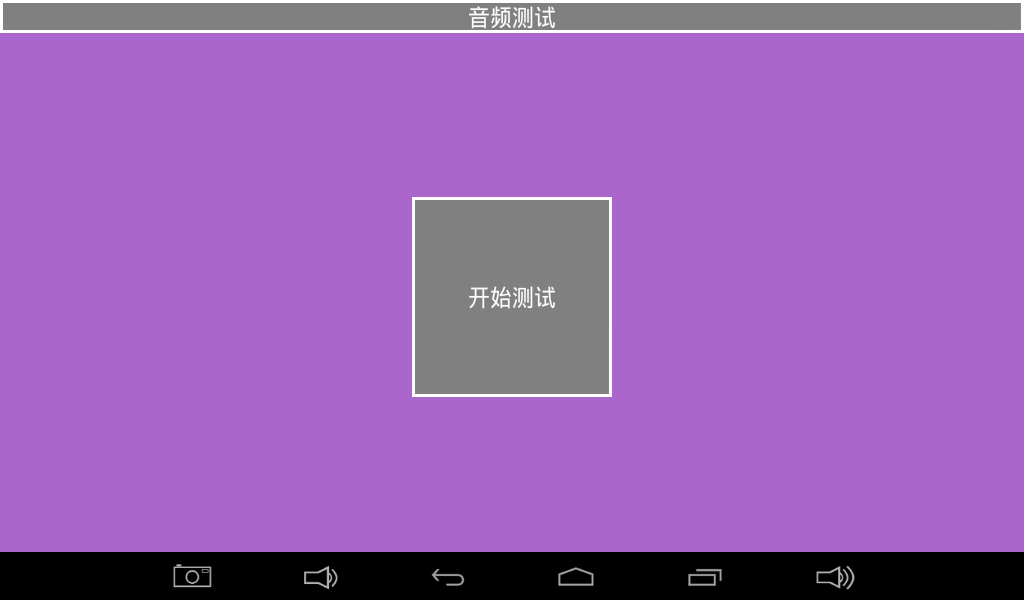
Play a test tone and check speaker or headphone output.
Camera Test
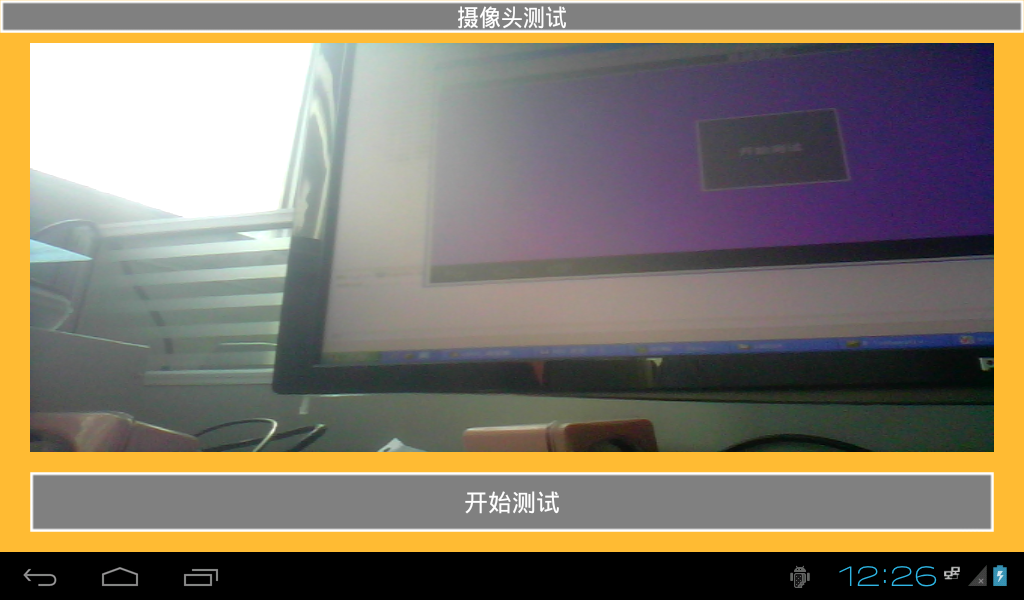
Open camera preview and inspect the image.
Wi-Fi Test
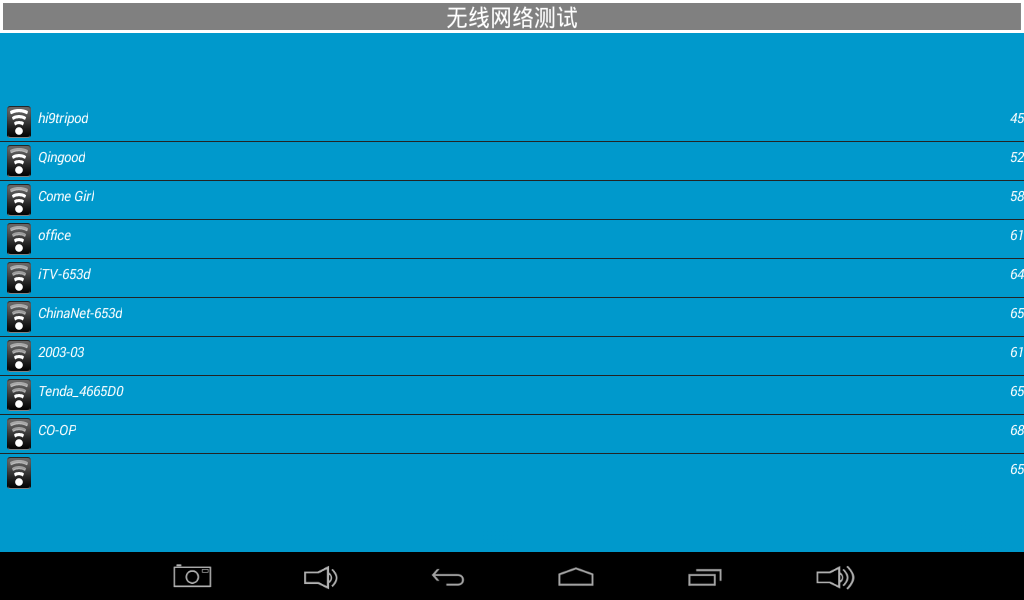
Scan nearby wireless networks after enabling Wi-Fi.
Network Test
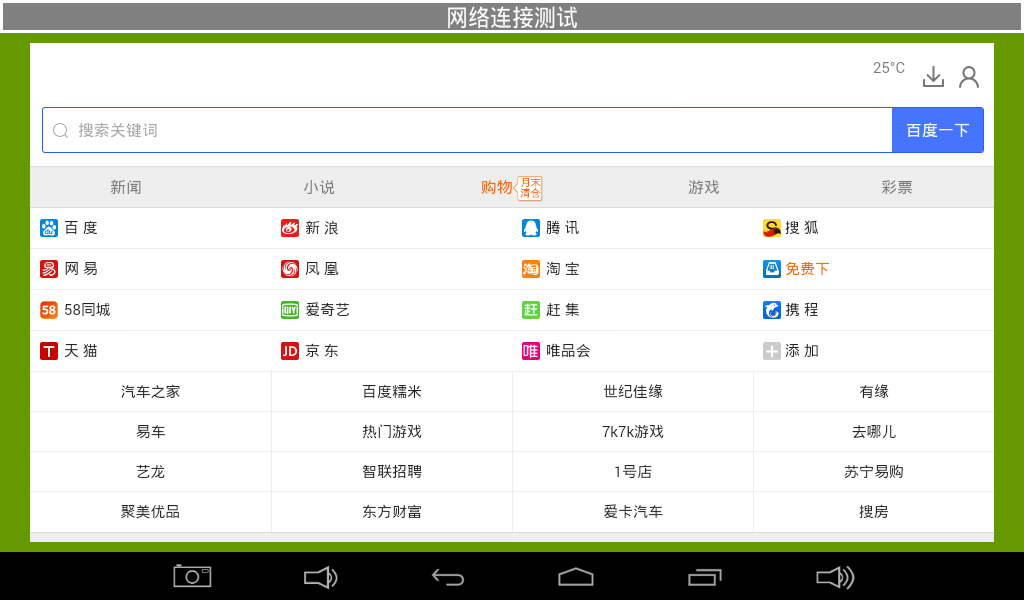
Verify web access through wired or wireless networking.
UART Test
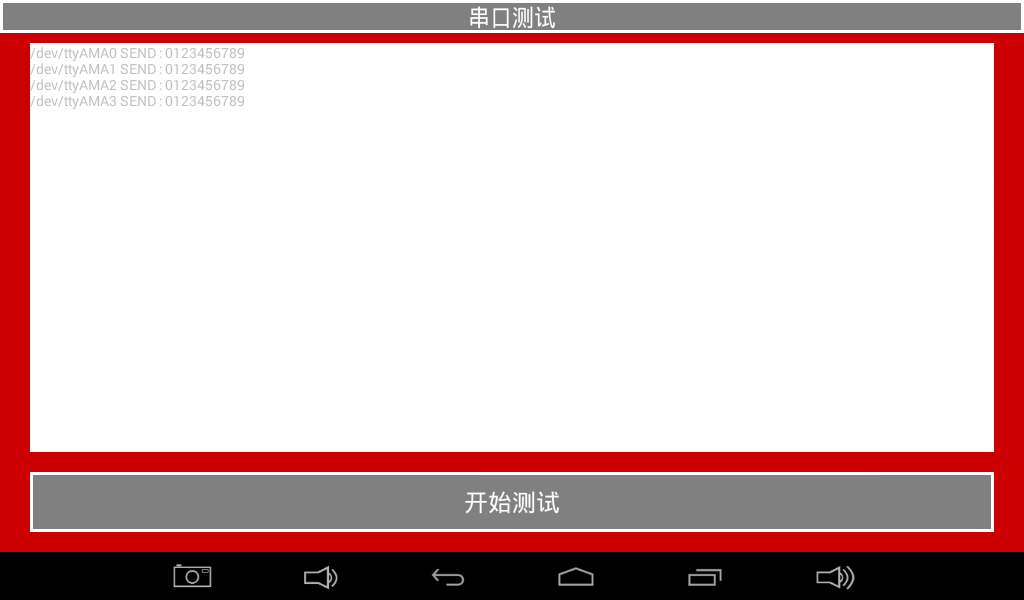
Loop TXD to RXD and run the UART loopback test.
TF Card Test
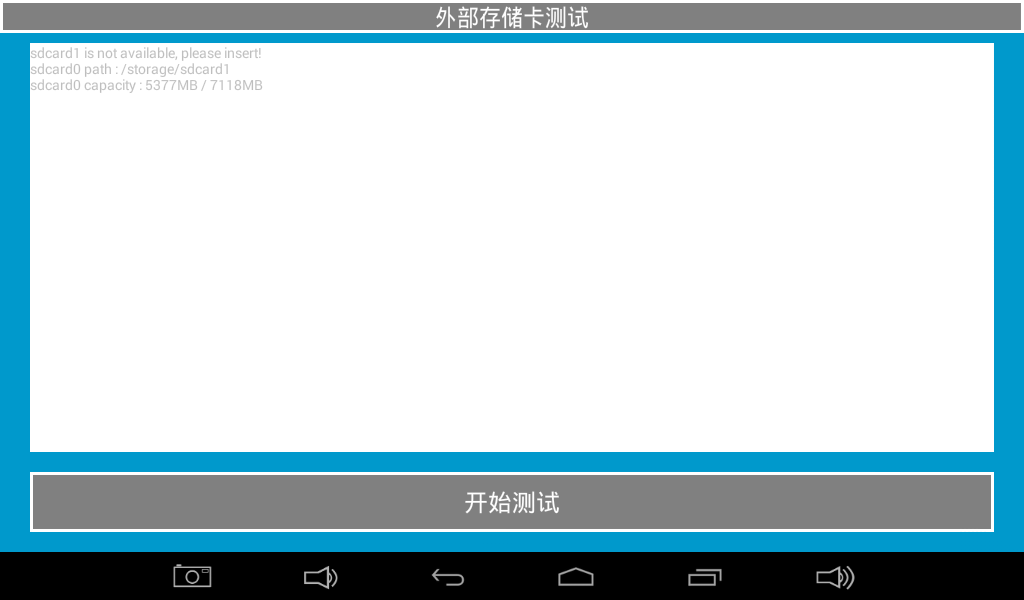
Insert a TF card and verify capacity and read/write information.
USB Drive Test
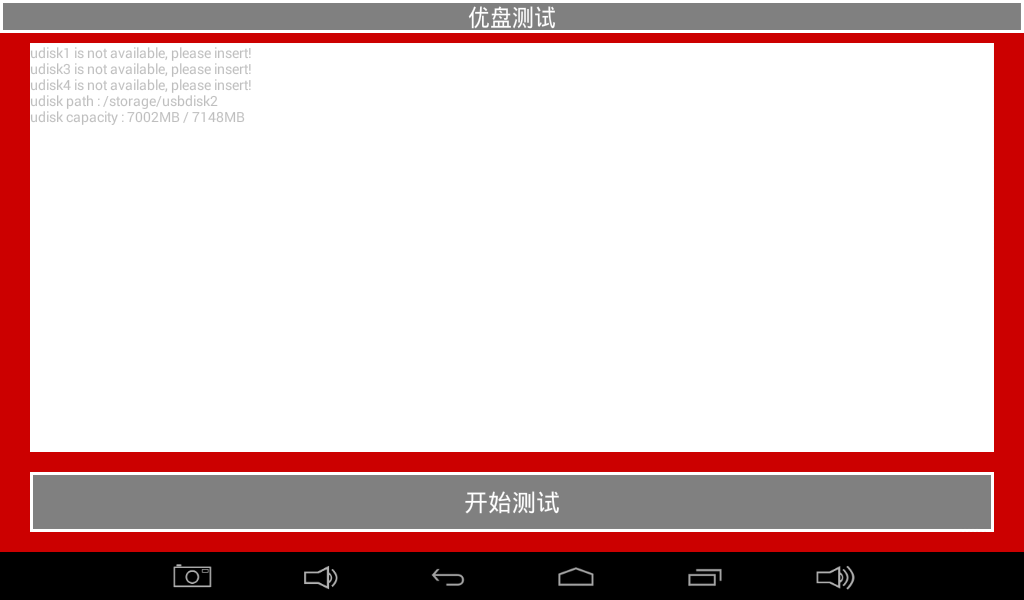
Insert a USB drive and verify device and storage information.
Driver Locations
| Function | Path Given by the Manual | Notes |
|---|---|---|
| G-sensor | longan/kernel/linux-4.9/drivers/input/sensors/accel/lis3dh.c | Also check device tree and the sensor framework |
| Capacitive touch | longan/kernel/linux-4.9/drivers/input/touchscreen/gslx680new/ | Main file is gslX680.c |
| Display | longan/kernel/linux-4.9/drivers/gpu/drm/ | The manual names panel/panel-simple.c; the full path also involves DRM, TCON, PHY, and device tree |
| Keys | longan/kernel/linux-4.9/drivers/input/keyboard/adc-keys.c | Requires matching ADC-key device-tree data |
| Wi-Fi | longan/kernel/linux-4.9/drivers/net/wireless/ | The exact directory depends on the module and SDK release |
| Camera | The manual gives a Rockchip path | Inconsistent with T507; locate the driver again in the current Longan SDK |
Common System Queries
cat /proc/cmdline
cat /proc/cpuinfo
cat /proc/meminfo
cat /proc/partitions
cat /proc/version
cat /proc/net/dev
dmesg
Treat the manual's output as an example only. CPU identification, partitions, memory, and command line must be read from the actual device.
init.rc Changes
For a permanent change, edit the relevant init*.rc file in the source tree, rebuild the required image, and flash it. Temporary boot.img unpacking requires tools compatible with the active Android release and image format.
Source-Manual Errata
- The temporary
ramdisk.shexample containsout/target/product/rk3288, which is not a T507 path. - The U-Boot/kernel logo description is Rockchip-specific and is not directly applicable to the Allwinner T507.
- The
/proc/cmdlineexample containsrk30boardand is only legacy sample output. - The camera-driver path is written as
hardware/rockchip/..., which is inconsistent with Longan/T507.
Locate the actual files through the current source tree and build scripts before applying any change.