开发环境搭建
推荐环境
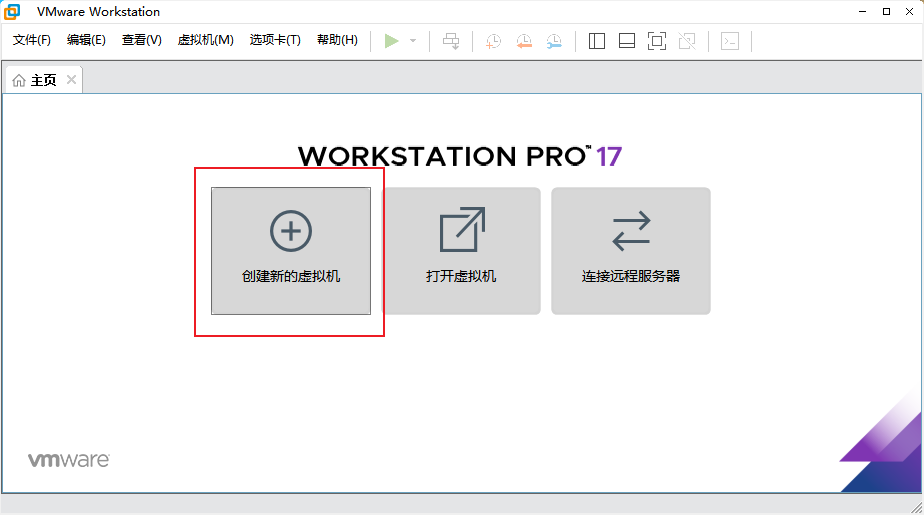
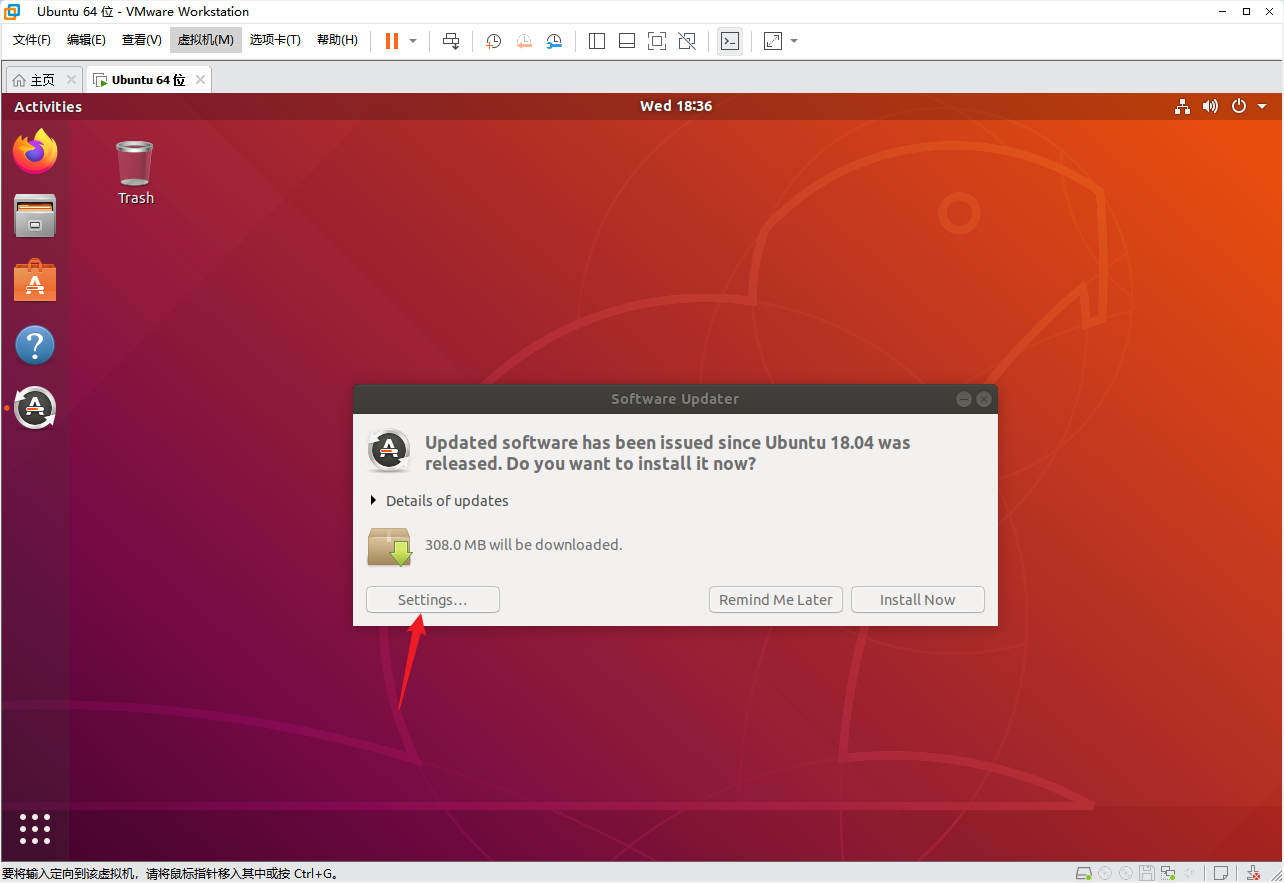
V821 SDK可在Ubuntu 18.04、20.04或22.04环境中使用。手册示例使用VMware Workstation 17.5.2,但完整编译更推荐原生Linux、独立编译服务器或资源充足的虚拟机。
虚拟机建议至少配置:
- 4核CPU。
- 8GB内存;大型并行编译建议16GB以上。
- 80GB以上可用磁盘,源码、下载缓存和
out/目录会持续增长。 - 网络使用桥接模式,便于板端、虚拟机和Windows互通。
Ubuntu 20.04/22.04依赖
sudo apt-get update
sudo apt-get upgrade -y
sudo apt-get install -y \
  build-essential python3 python3-dev python-is-python3 \
  subversion git libncurses5-dev zlib1g-dev gawk flex bison quilt \
  libssl-dev xsltproc libxml-parser-perl mercurial bzr ecj cvs \
  unzip lsof tree kconfig-frontends android-tools-mkbootimg \
  python2 libpython3-dev gcc-multilib

sudo dpkg --add-architecture i386
sudo apt-get update
sudo apt-get install -y libc6:i386 libstdc++6:i386 lib32z1
Ubuntu 18.04可不安装python-is-python3,其余包名按APT提示调整。
基础工具
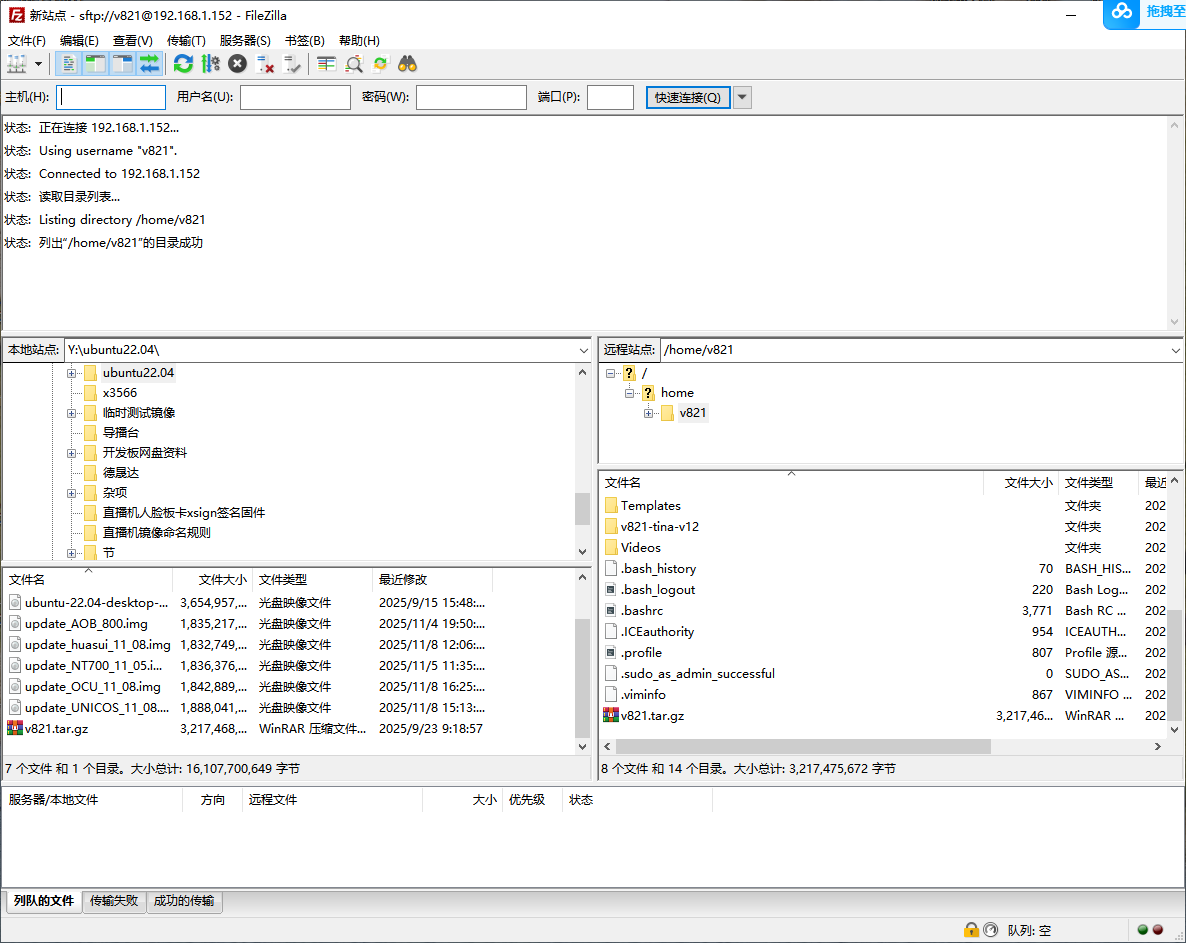
sudo apt-get install -y vim net-tools openssh-server filezilla
启用SSH后,Windows可通过FileZilla或SCP传输SDK和固件:
sudo systemctl enable --now ssh
ip addr
串口
UART0是3.3V TTL串口。BOOT0示例波特率为1500000,Linux控制台波特率可能由U-Boot环境和设备树决定。打开串口前先从实际启动日志或SDK配置确认。